









 Google Workspace Overview
 Gmail
Gmail
 Google Calendar
 Google Drive
 Google Editors
 Google Docs
 Google Sheets
 Google Slides
 Google Forms
 Google Sites
 Google Keep
 Google Vids
 Google Chat
 Google Admin
 Endpoint Management
 Remote Desktop
 Looker Studio
 Apps Script
 Workspace Studio
 Vault
Vault AppSheet
 Gemini
 Gemini Notebook
 Pricing
 Google Cloud Overview
 Cloud Run
 Compute Engine
 Cloud Storage
 BigQuery
 Google Kubernetes Engine
 Looker
 Apigee API Management
 Cloud SQL
 Gemini Enterprise
 Cloud CDN
 Microsoft
365 Overview
Microsoft
365 Overview Microsoft Outlook
 Microsoft Teams
 Microsoft Excel
 Microsoft Word
 Microsoft OneDrive
 Microsoft PowerPoint
 Microsoft SharePoint
Create, Analyze, and Present – Together
Google Editors brings Docs, Sheets, and Slides into one connected suite, so your team can write, crunch numbers, and build presentations without ever leaving the browser.
Every change syncs instantly across Google Drive, so everyone always works from the latest version – on any device.
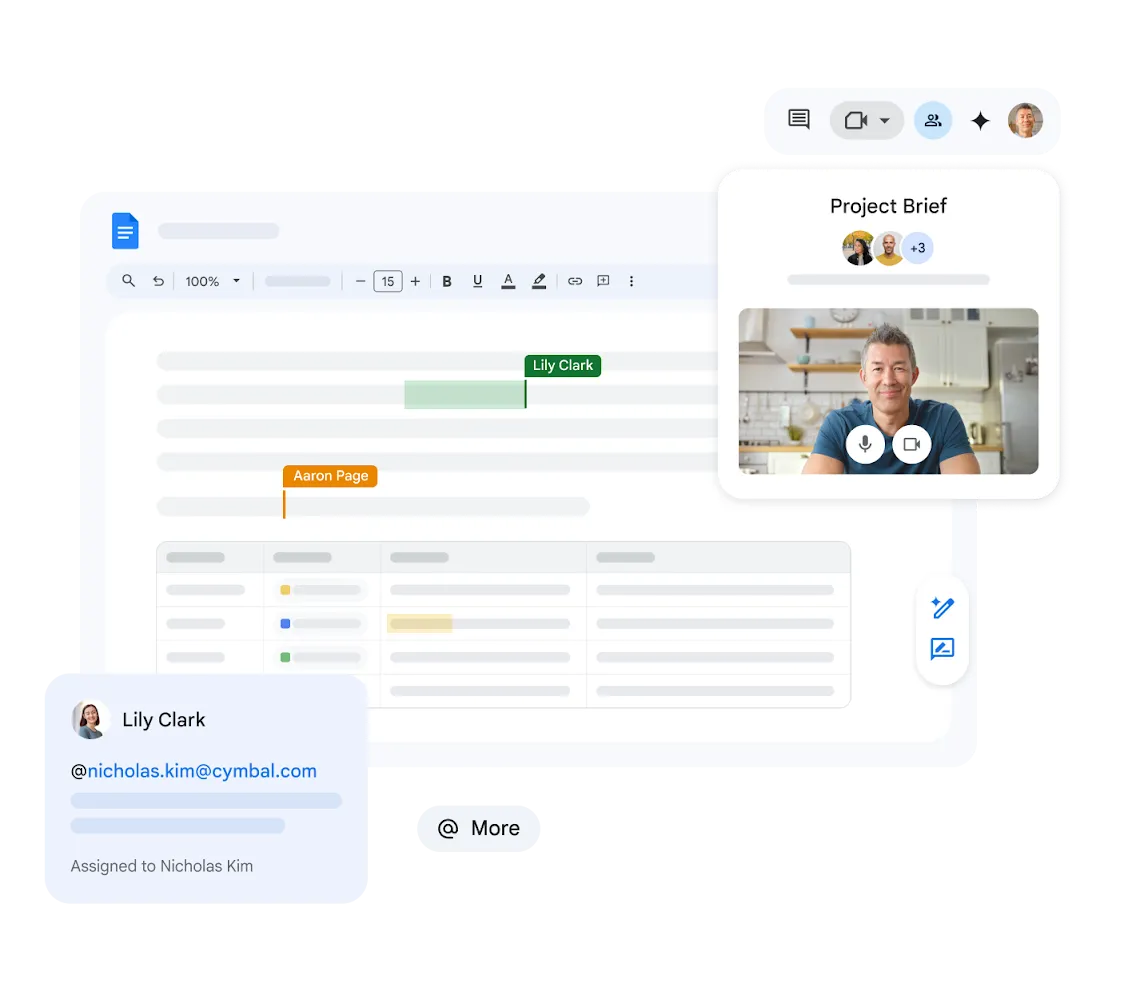
Google Docs for Collaborative Writing
Draft, edit, and review documents together in real time. Comments, suggestions, and version history keep every team aligned.
Explore Google Docs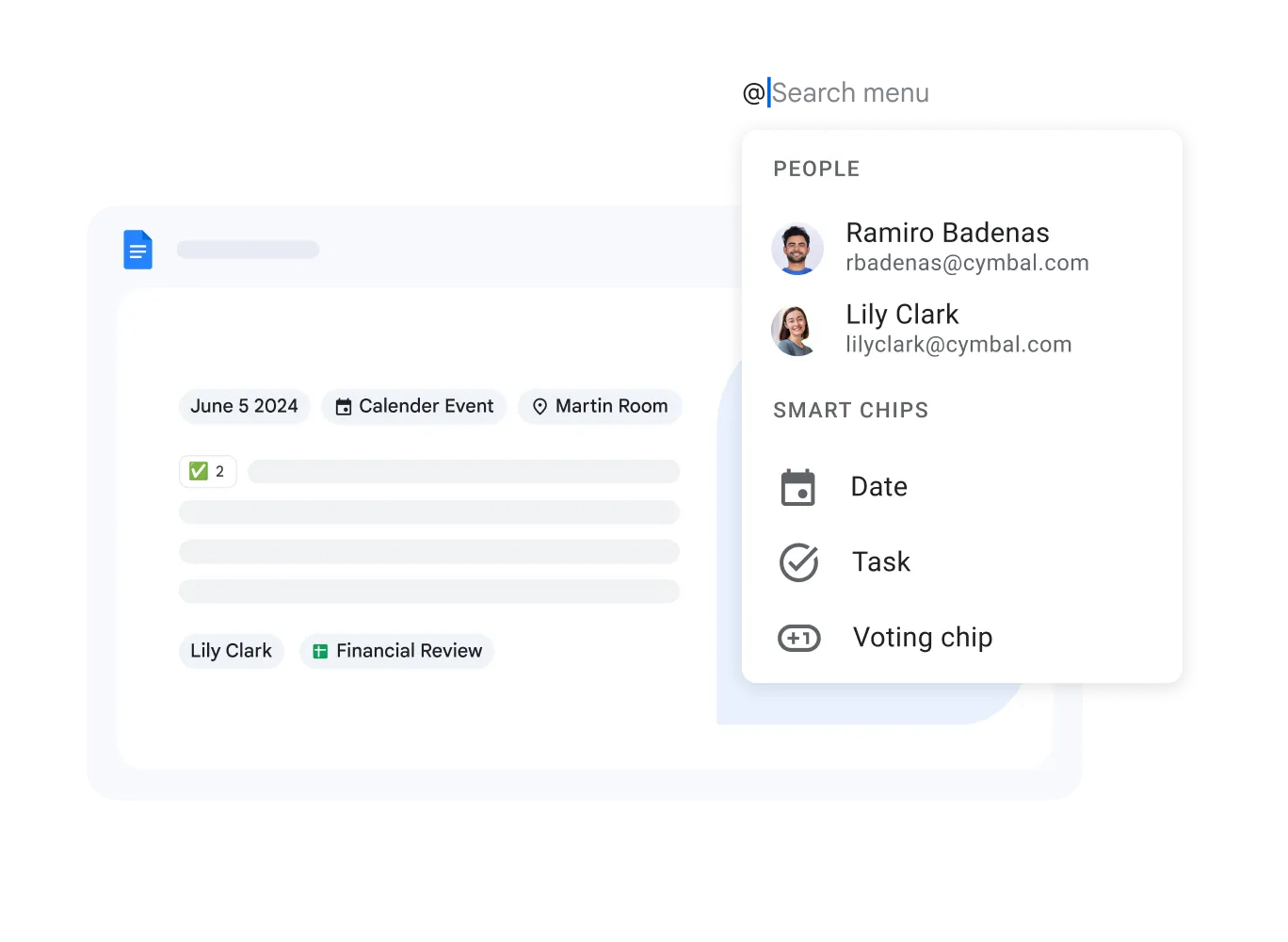

Google Sheets for Data and Analysis
Build spreadsheets, model data, and automate calculations with built-in formulas, pivot tables, and Connected Sheets for BigQuery.
Explore Google Sheets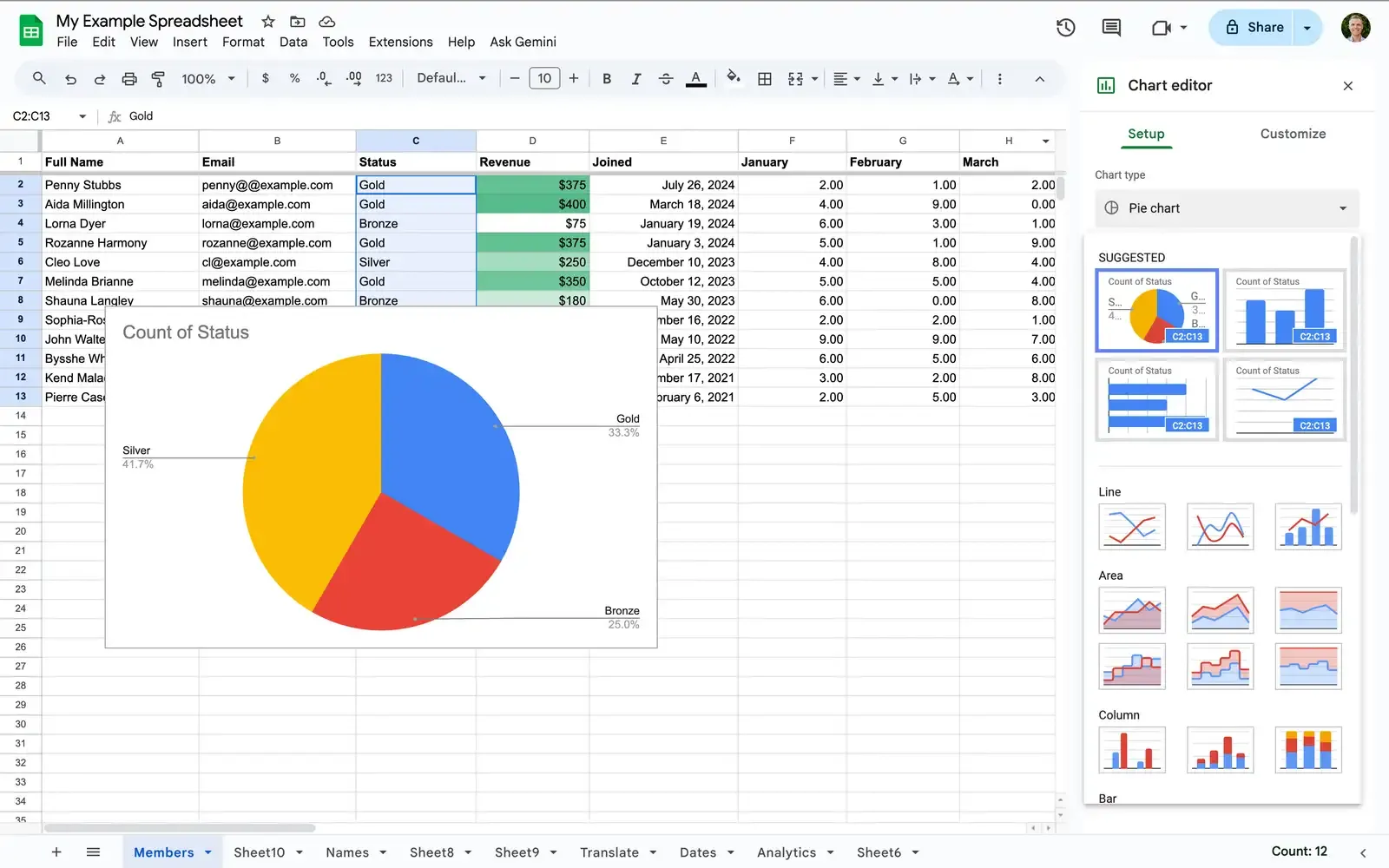

Google Slides for Presentations
Design polished presentations with ready-made themes, then present live or share a link – co-editors can join and edit at the same time.
Explore Google Slides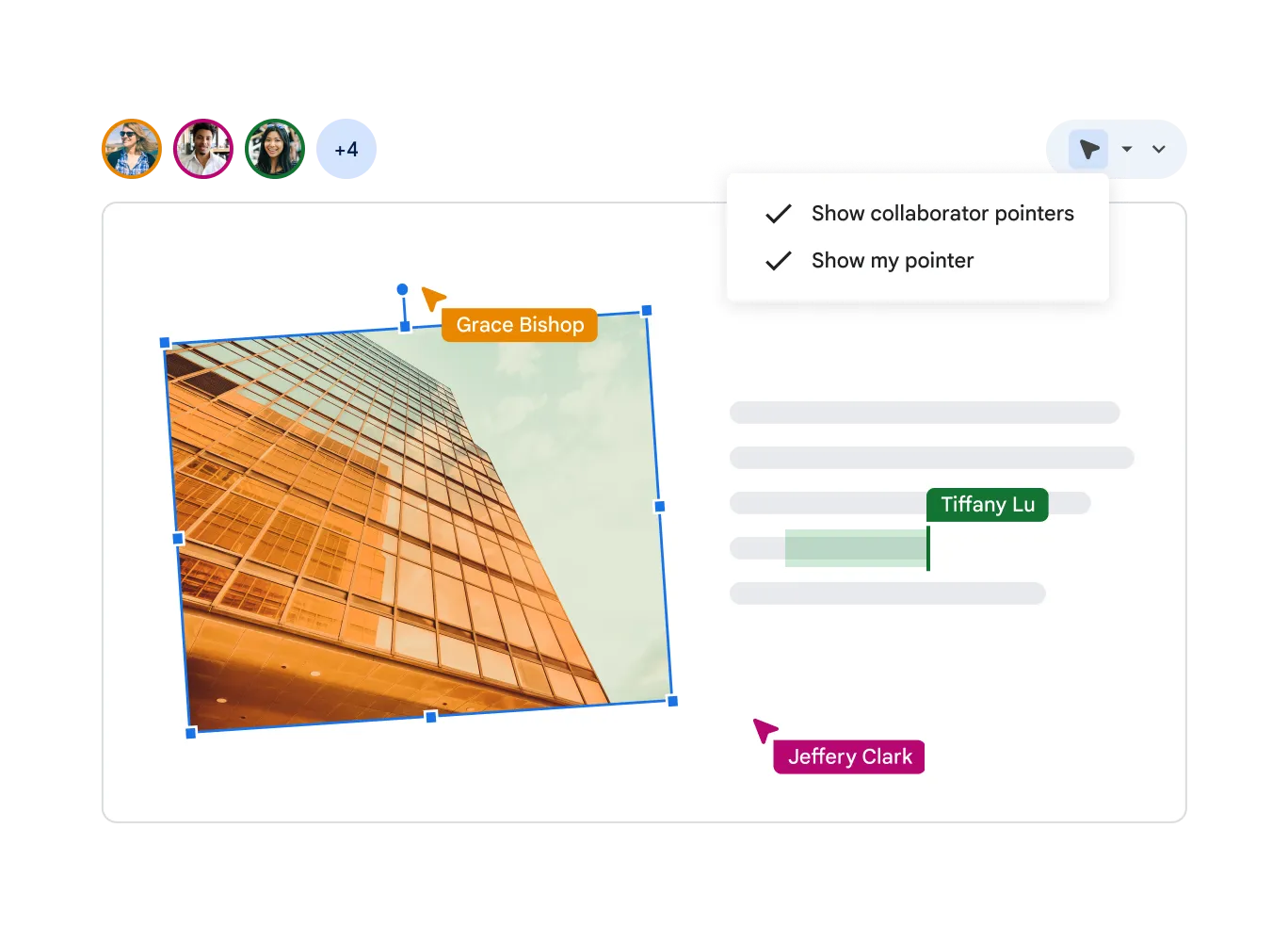
One Suite, Every Way to Create
Beyond Docs, Sheets, and Slides, the Editors family covers forms, websites, notes, and video – all connected through Google Drive.




- Real-Time Collaboration
- Work with your team across every editor at once. See cursors, comments, and edits update live, no matter the file type.
- Ready-Made Templates
- Start faster with professional templates for documents, spreadsheets, and presentations, fully customizable to your brand.
- Works Offline Too
- Keep editing documents, sheets, and slides even without an internet connection – changes sync automatically once you're back online.
Frequently Asked Questions
Google Editors
Google Editors refers to Google's suite of creation tools: Docs, Sheets, and Slides, along with related apps like Forms, Sites, Keep, and Vids – all part of Google Workspace.
Yes. Google Docs, Sheets, and Slides all support Microsoft Word, Excel, and PowerPoint file formats, so you can open, edit, and export without breaking formatting.
Yes. Every file is stored in Google Drive, so you can embed a chart from Sheets into a Doc or a Slide, share one link, and manage permissions consistently across all of them.
Yes. Docs, Sheets, Slides, Forms, Sites, Keep, and Vids are all included at no extra cost with every Google Workspace plan.
Start Creating with Google Editors
Documents, spreadsheets, and presentations – built together, from any device. Part of Google Workspace.